Real glass taskbar
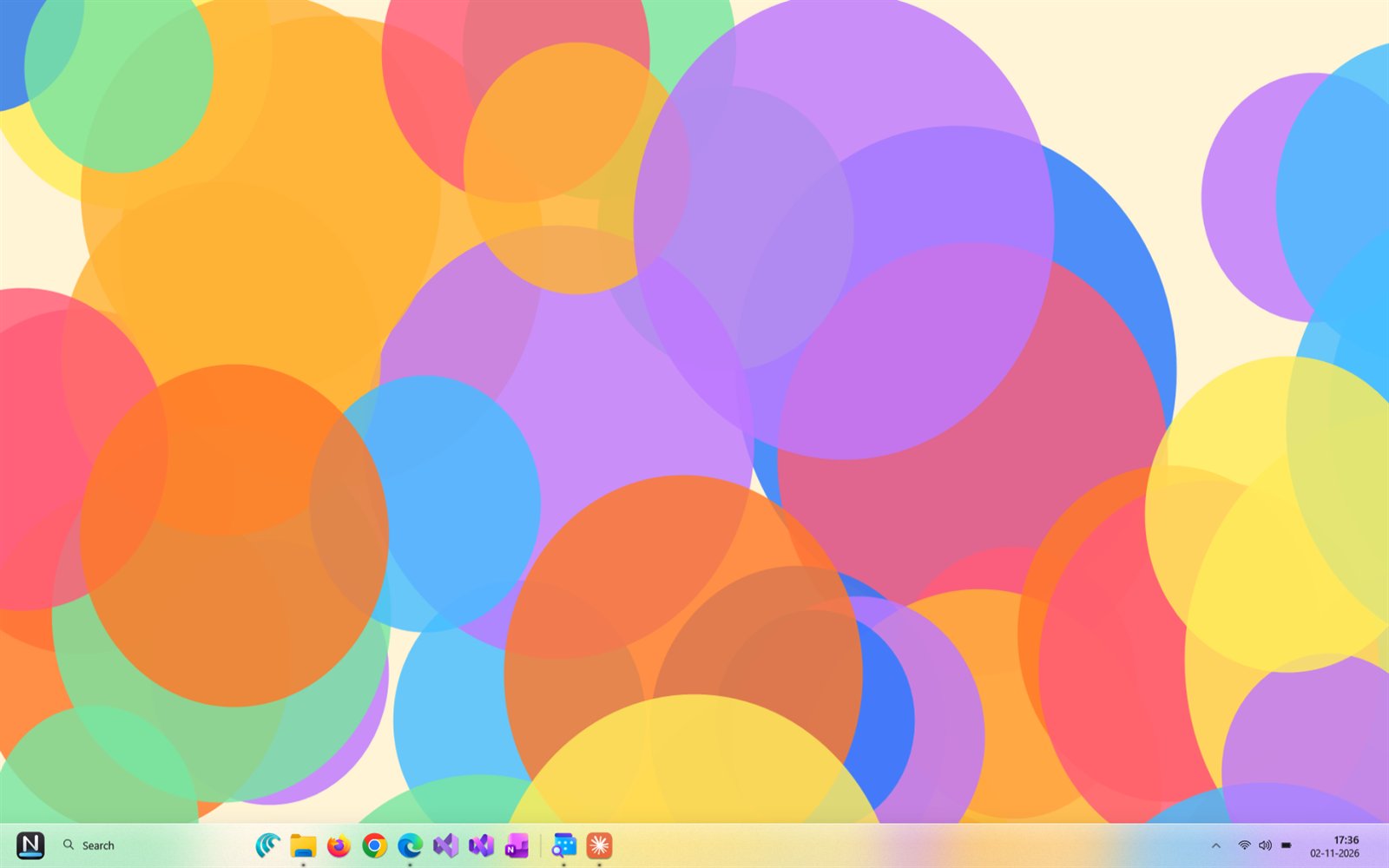
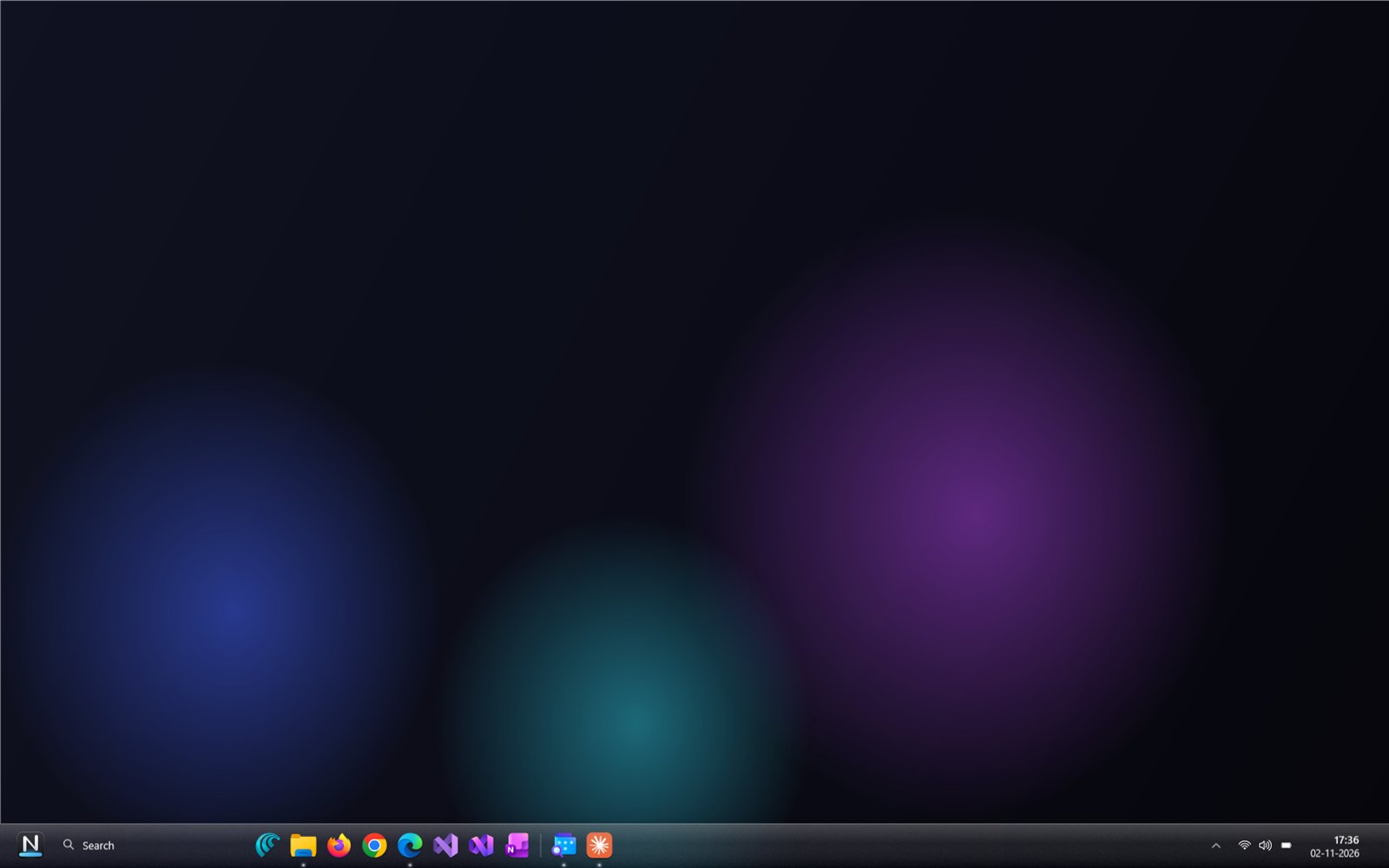
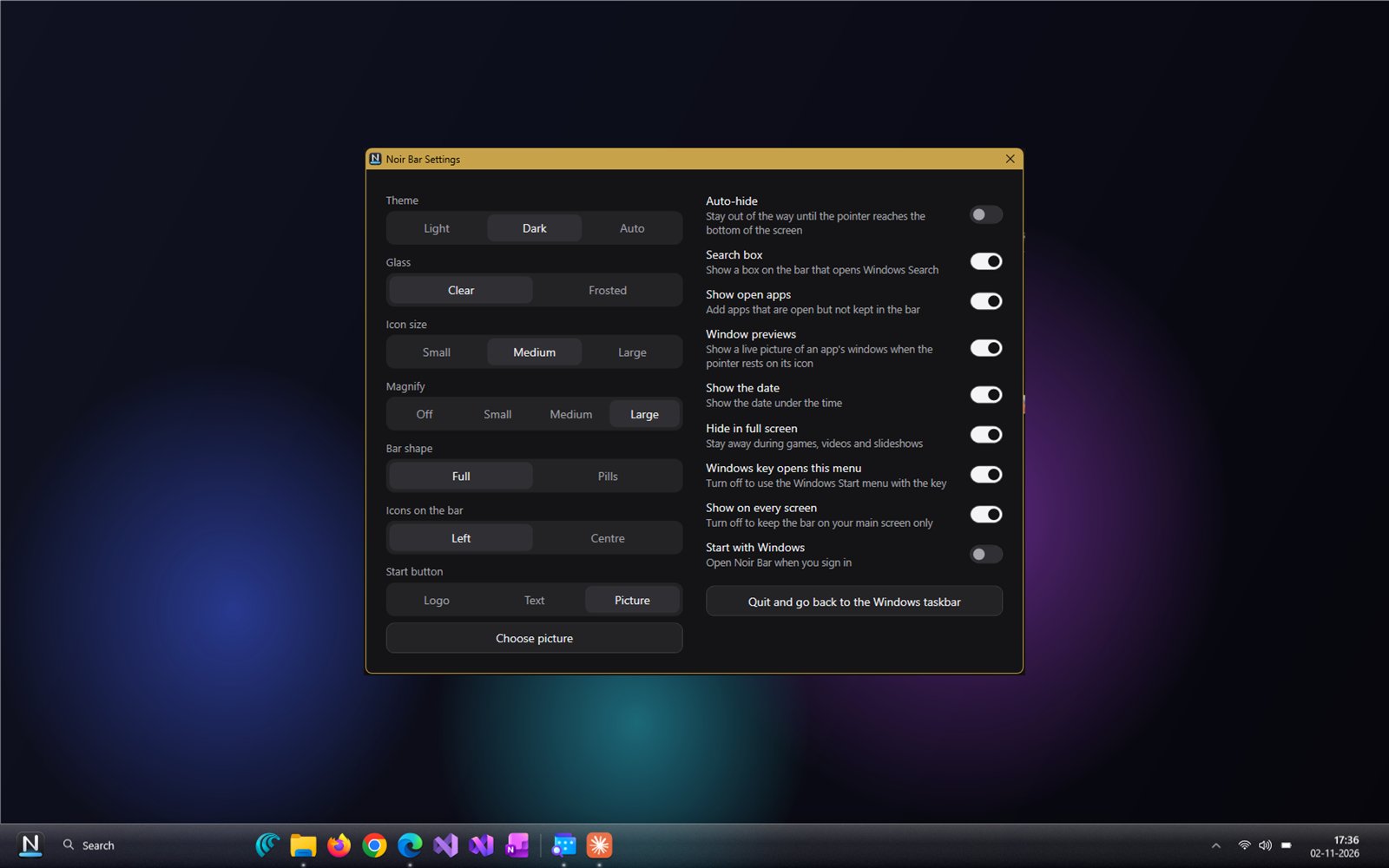
Clear or frosted glass that shows your wallpaper behind it, in Light, Dark or Auto.
 Noir Bar
For Windows 10 and Windows 11
Your apps on clear glass, live window previews, and a Start menu with search, under your own Start button.
7-day free trial · US$4.99 once · no subscription


Clear or frosted glass that shows your wallpaper behind it, in Light, Dark or Auto.
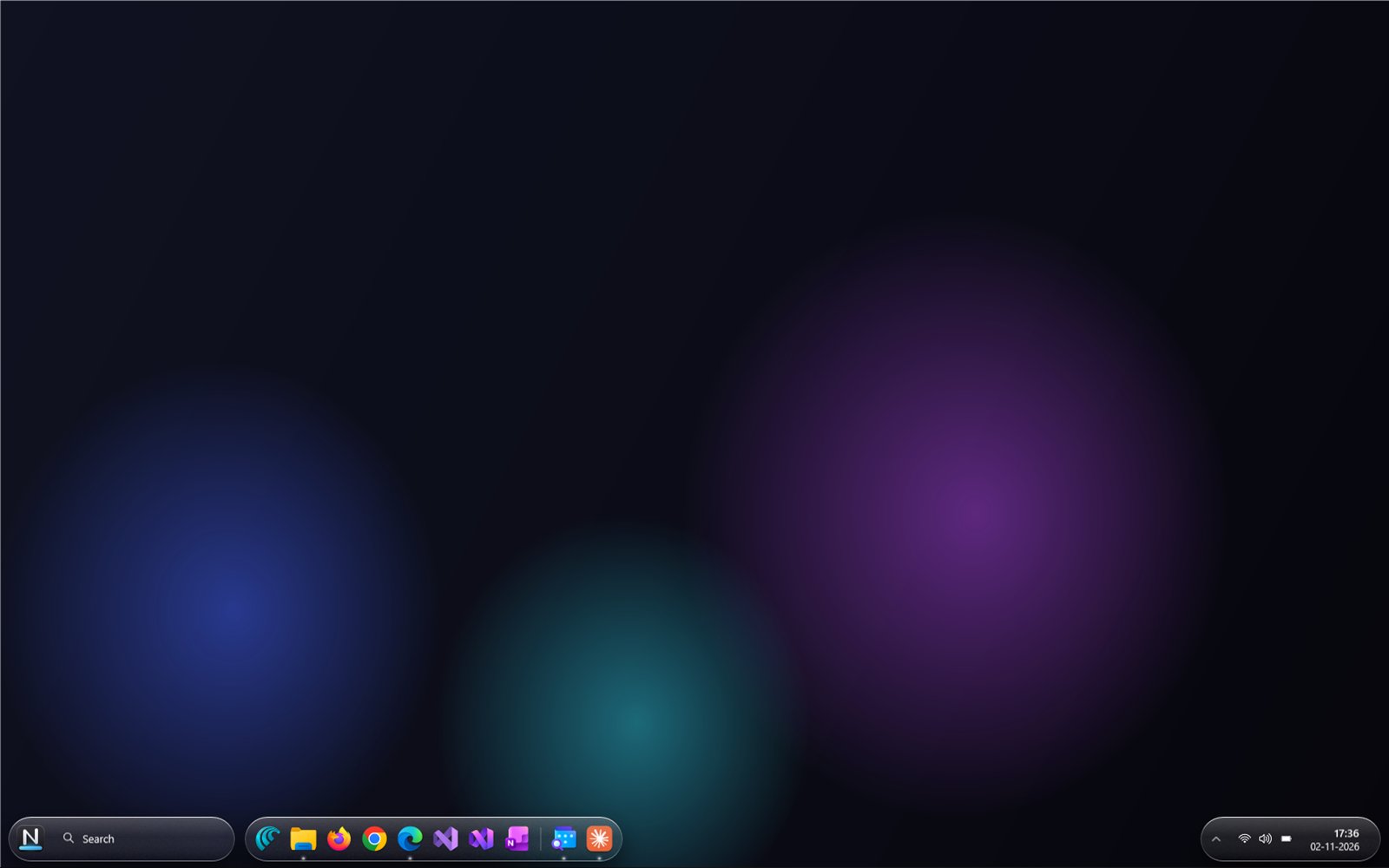
One bar from edge to edge, or three floating pieces of glass.
Rest on an open app to see live pictures of its windows, and switch with one click.
Pinned, Recent and All apps in one place, with search and a letter guide.
The Noir logo, your own words or your own picture.
One bar on every screen, or only on your main one. Wi-Fi, volume, battery and the clock stay on it.
No accounts, no advertising, no tracking. Its only trip online is the Microsoft Store licence check.
Before it starts, Noir Bar tells you what it changes. While it runs, it hides the Windows taskbar and turns on its auto-hide. Quit Noir Bar, or uninstall it, and the Windows taskbar comes back as it was.
Every move is drawn by your graphics card at your screen’s full frame rate, and it rests quietly when idle.
US$4.99 once
Windows 10 version 2004 or later, or Windows 11. The glass needs “Transparency effects” turned on in Windows Settings.
Try it free for 7 days with nothing locked. Then buy it once, with no subscription. The Microsoft Store handles the trial and the payment. The price is US$4.99; the Store shows it in your own currency.
No. Noir Bar has no accounts, no advertising and no tracking. It only goes online through the Microsoft Store, to check your licence. Read the privacy policy.
While Windows Energy Saver is on, Windows turns blur off for every app. The glass comes back when Energy Saver goes off.
Uninstall it from Start like any Store app. The Windows taskbar comes back, and Noir Bar’s settings go with it.
Write to info@mnpsolutions.org. We read every message.